MCP Wallet Signer
Your private keys never leave your browser. Every transaction requires explicit user approval in your wallet.
Most blockchain MCPs require you to paste a private key into a config file — giving the AI agent full, unsupervised access to your funds. MCP Wallet Signer takes a different approach: it routes every transaction to your actual browser wallet (MetaMask, Rabby, etc.) via EIP-6963, so you review and approve each action just like any other dapp interaction. No keys in config files, no risk of silent transactions.
Compatible With
Works with any MCP-compatible client via stdio transport.
Installation
Claude Code CLI
claude mcp add evm-wallet -- npx -y mcp-wallet-signer
Claude Desktop
Add to your claude_desktop_config.json:
{
  "mcpServers": {
    "evm-wallet": {
      "command": "npx",
      "args": ["-y", "mcp-wallet-signer"]
    }
  }
}
Run directly
npx -y mcp-wallet-signer
pnpx mcp-wallet-signer
bunx mcp-wallet-signer
MCP Tools
| Tool | Description | Browser Required |
|---|---|---|
connect_wallet |
Connect wallet, return address | Yes |
send_transaction |
Send ETH/tokens, call contracts | Yes |
sign_message |
Sign arbitrary message (personal_sign) | Yes |
sign_typed_data |
Sign EIP-712 typed data | Yes |
get_balance |
Read ETH balance (via RPC) | No |
How It Works
- Agent calls an MCP tool (e.g.,
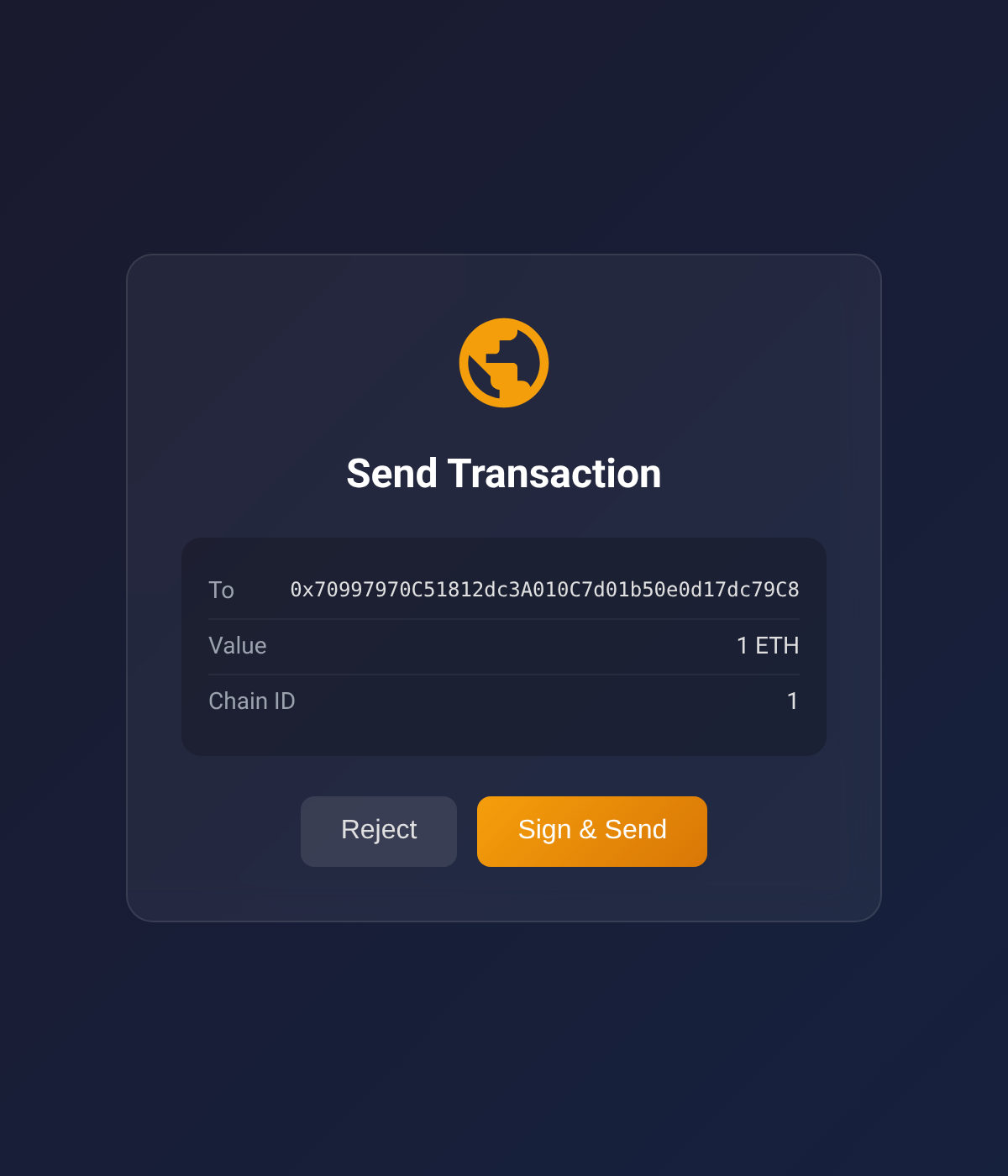
send_transaction) - Server opens browser to a local signing page
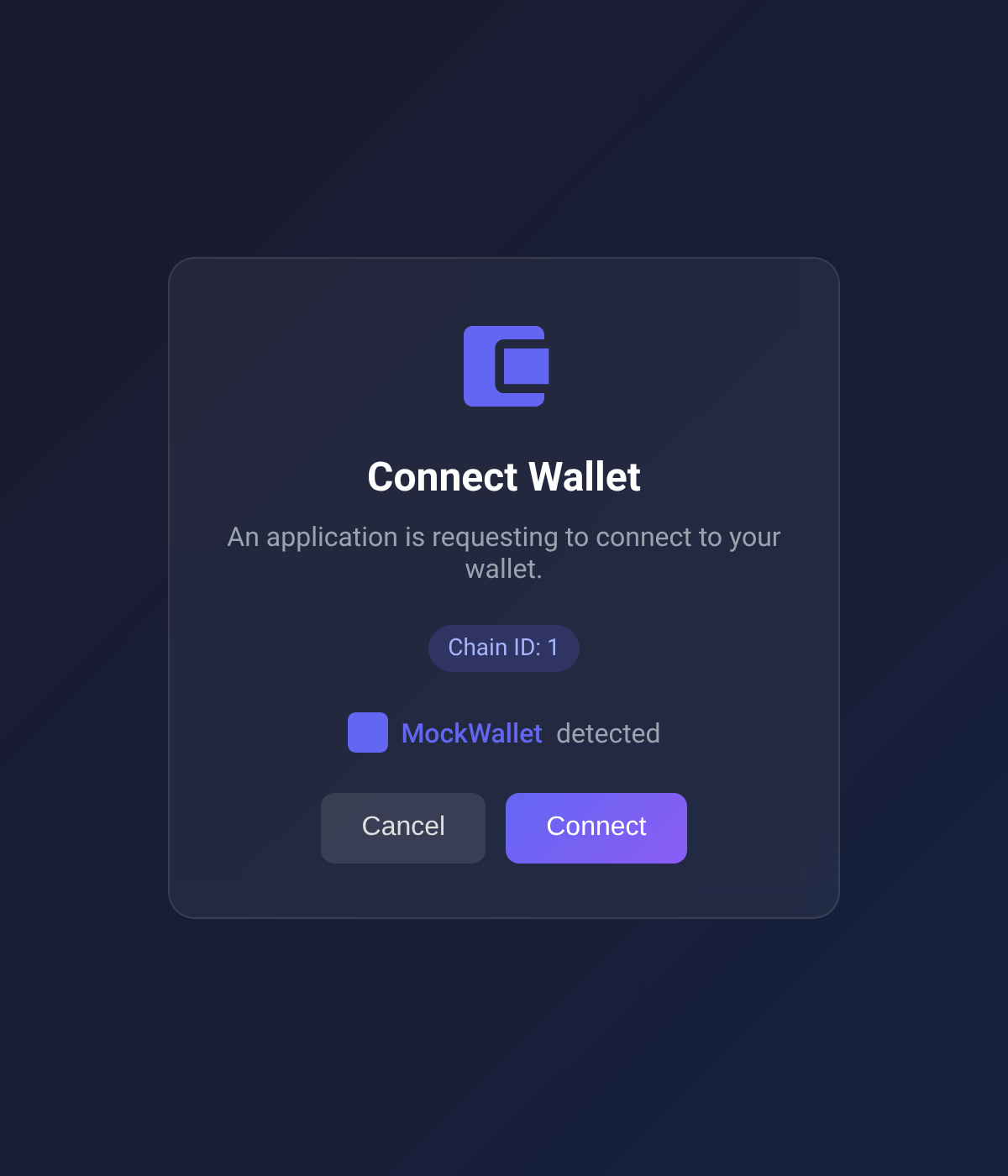
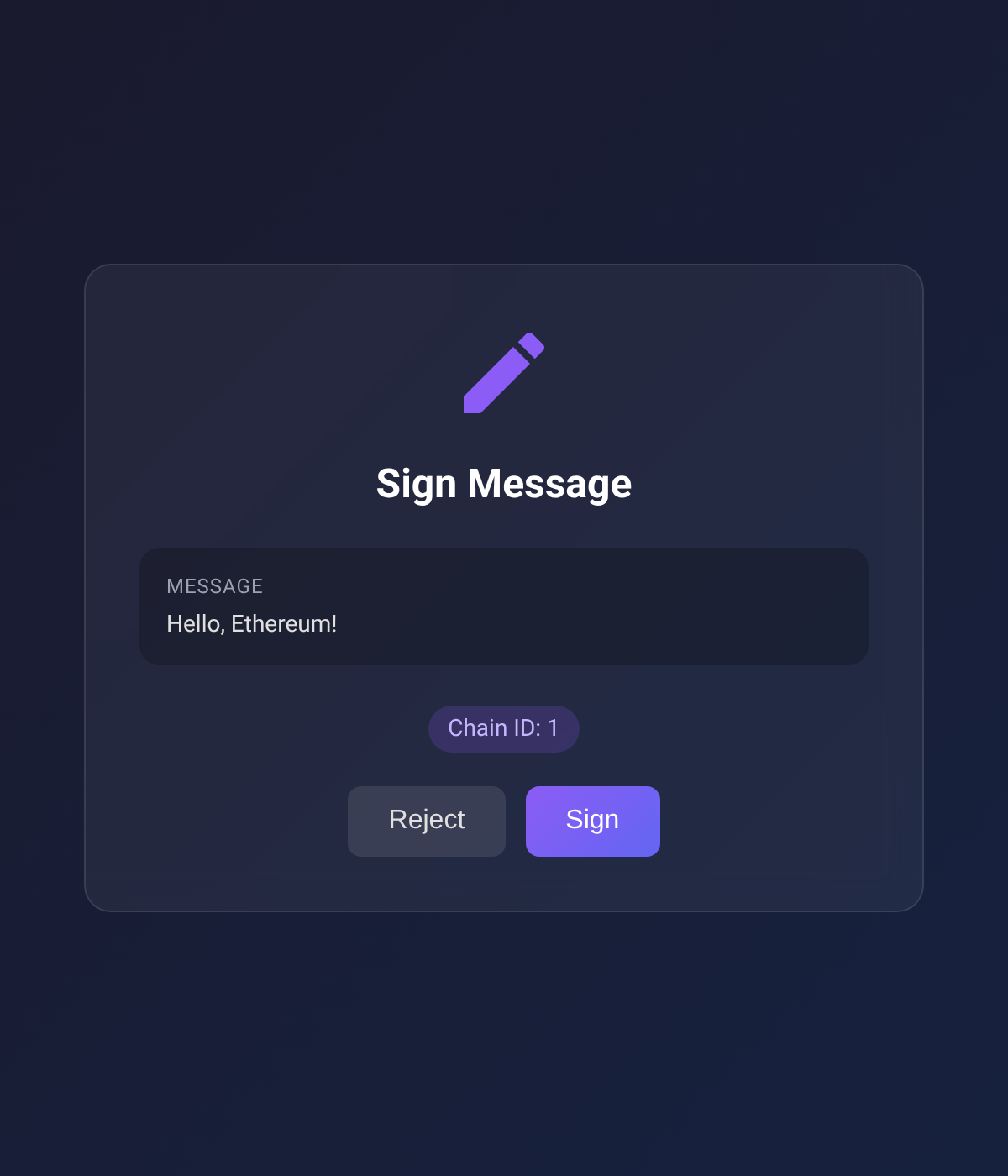
- User connects wallet and approves the action
- Result (address, tx hash, signature) returned to agent
| Connect Wallet | Send Transaction | Sign Message |
|---|---|---|
 |
 |
 |
Supported Chains
Built-in RPC URLs for:
- Ethereum (1)
- Sepolia (11155111)
- Polygon (137)
- Arbitrum One (42161)
- Optimism (10)
- Base (8453)
- Avalanche (43114)
- BNB Smart Chain (56)
Configuration
Environment variables (optional):
| Variable | Description | Default |
|---|---|---|
EVM_MCP_PORT |
HTTP server port | 3847 |
EVM_MCP_DEFAULT_CHAIN |
Default chain ID | 1 |
Packages
This is a monorepo with two packages:
| Package | Description |
|---|---|
| `browser-evm-signer` | Standalone library — sign EVM transactions via browser wallet, no MCP dependency |
| `mcp-wallet-signer` | MCP server — exposes browser-evm-signer as MCP tools for AI agents |
Use browser-evm-signer directly if you want browser-based signing in your own Node.js/Deno app without MCP.
Development
Requires Deno v2.0+.
# Install all dependencies
deno task install:all

# Type check + lint + format check (both packages)
deno task check:all

# Run tests
deno task test:all

# Build both npm packages
deno task build:all

# Format code
deno task fmt
Project Structure
packages/
├── browser-evm-signer/     # Standalone signing library (npm: browser-evm-signer)
│   ├── src/                 # Library source
│   ├── web/                 # Svelte approval UI
│   ├── tests/               # Unit, e2e, and browser tests
│   └── scripts/build-npm.ts
│
└── mcp-wallet-signer/       # MCP server layer (npm: mcp-wallet-signer)
    ├── src/                  # MCP tool definitions + CLI entry
    └── scripts/build-npm.ts
Tools 5
connect_walletConnect wallet and return the user's addresssend_transactionSend ETH/tokens or call smart contractssign_messageSign an arbitrary message using personal_signsign_typed_dataSign EIP-712 typed dataget_balanceRead ETH balance via RPCEnvironment Variables
EVM_MCP_PORTHTTP server portEVM_MCP_DEFAULT_CHAINDefault chain ID